Your own Kindle lock-screen cover
Your content, your device.
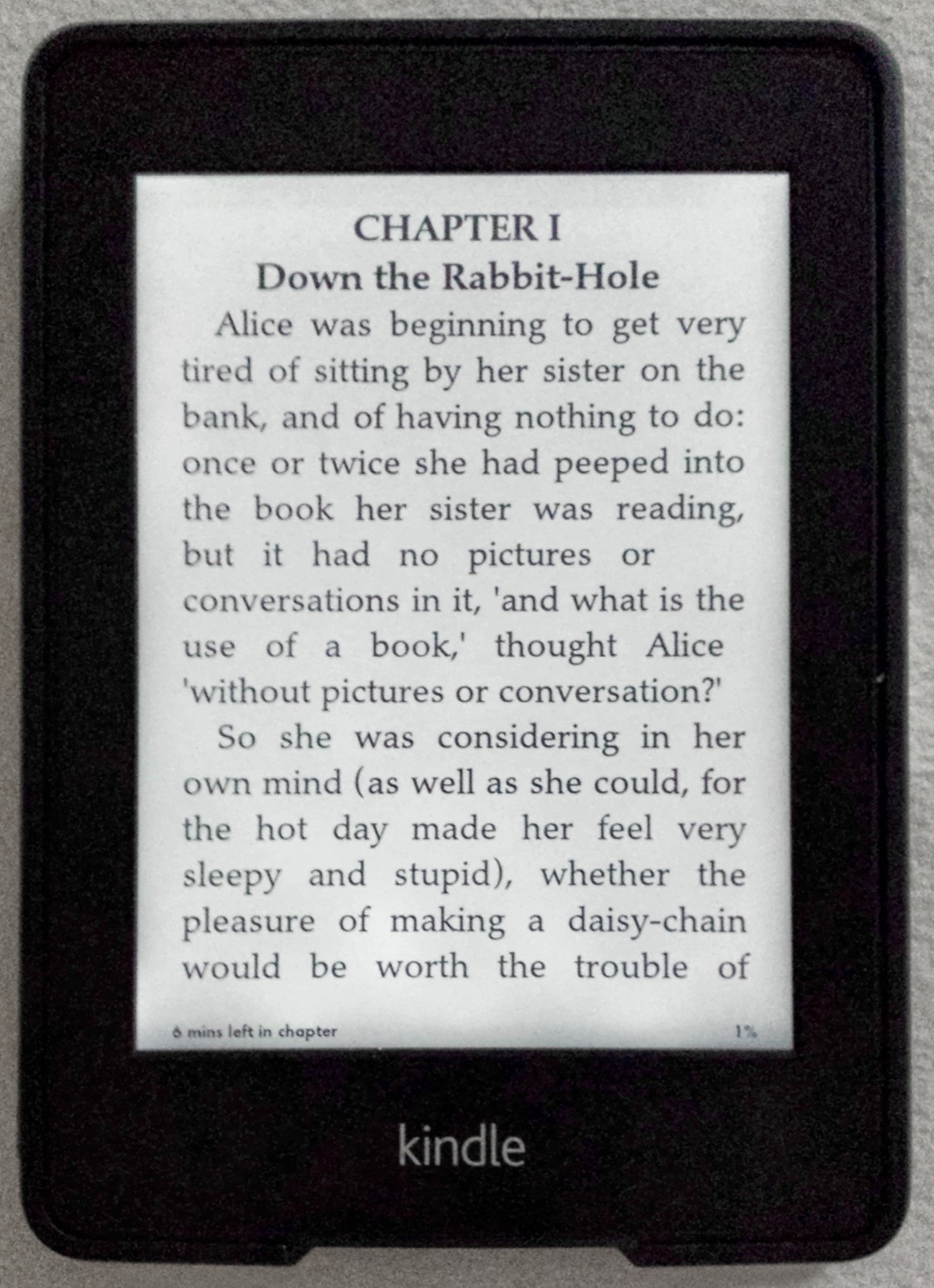

1. Choose your model
Choose your Kindle model in device setup. Export uses its screen dimensions. The shell is a modeled proportion, not a photograph of every device. Color devices can retain color; monochrome devices use e-ink grayscale.
2. Create and check the same work
Edit the type or upload a photograph you are entitled to use. Composition and type are combined before e-ink processing. The divider compares original and processed artwork. Physical results vary with the screen, light and firmware.
3. Export a cover book
A PNG is an image; an EPUB cover book can enter your Kindle library. Make the cover book, download the real EPUB on the delivery page and upload it through Amazon. Open that book on your Kindle before putting the device to sleep.
Lock-screen covers require a compatible ad-free device with Display Cover enabled. Availability and settings depend on your device. We cannot enable this setting remotely.
Make a cover